Company

Role
Multimedia Graphics Editor
Focus
Responsive Design
Mobile UX
Data Visulisation
Tools
Figma
Illustrator
Ai2html
HTML, CSS, JavaScript
01 The Challenge
Bridging the Mobile Gap
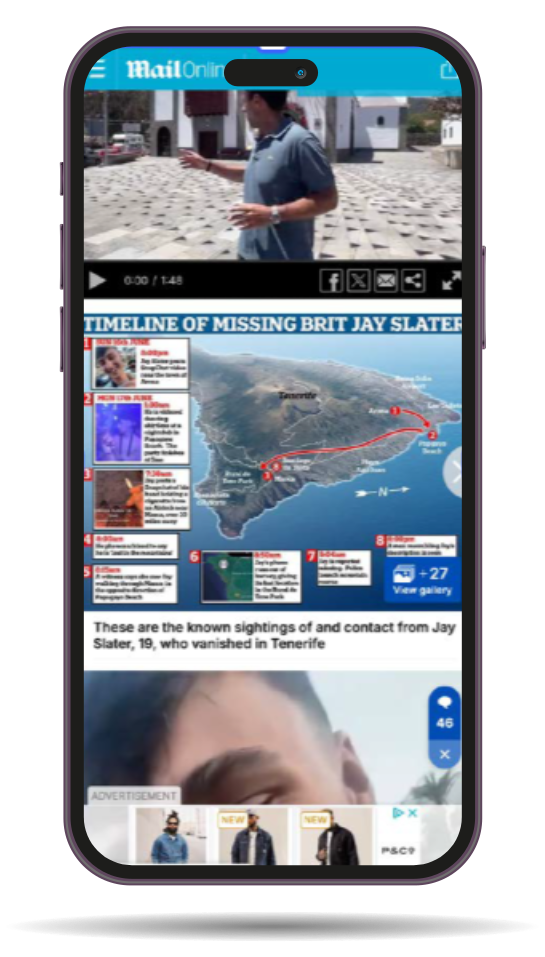
68% of DailyMail.com readers accessed stories on mobile, yet the newsroom’s graphics were designed almost entirely for desktop.
The Problem
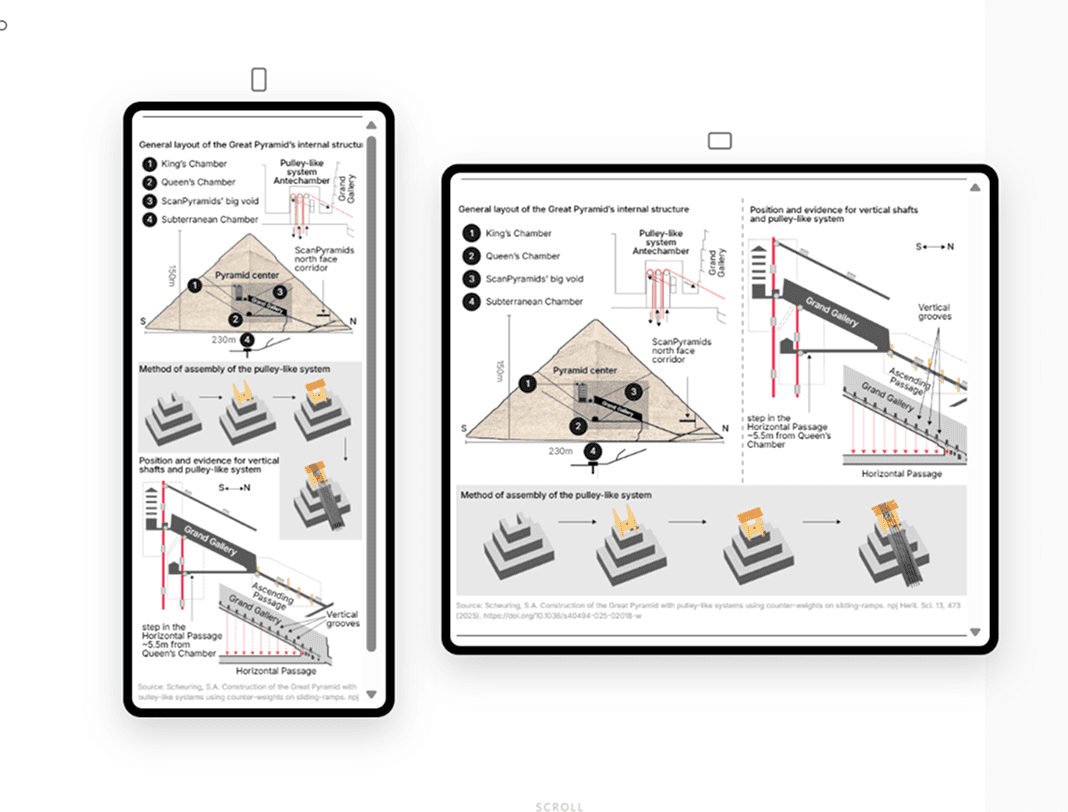
Analytics showed that 68% of readers were visiting on mobile, yet most graphics were optimized for 1200px desktop layouts and delivered as static images.
The Impact

On smaller screens, static graphics became compressed, pixelated, and illegible, turning charts and labels into unreadable “micro-text.”
The Opportunity
Reimagine graphics for a mobile-first audience while preserving the detailed experience expected by desktop readers.
The Constraint
Any solution had to work within the fast production speed of a newsroom, allowing journalists and designers to publish graphics quickly without adding significant workflow time.
The Goal

Design a responsive graphics system that keeps complex data readable on mobile while maintaining depth and efficiency for desktop publishing.
02 Research & Pain Points
What Users Actually Experienced
Through user testing and heatmap analysis, four primary friction points emerged — each driving bounce rates upward on data-heavy articles.
01
02
03
Aspect Ratio Mismatch
04
Typography at Scale
"
Margaret, 48
Daily Mail Mobile Reader · Primary Persona

03 Design Strategy
Responsive Visual Storytelling
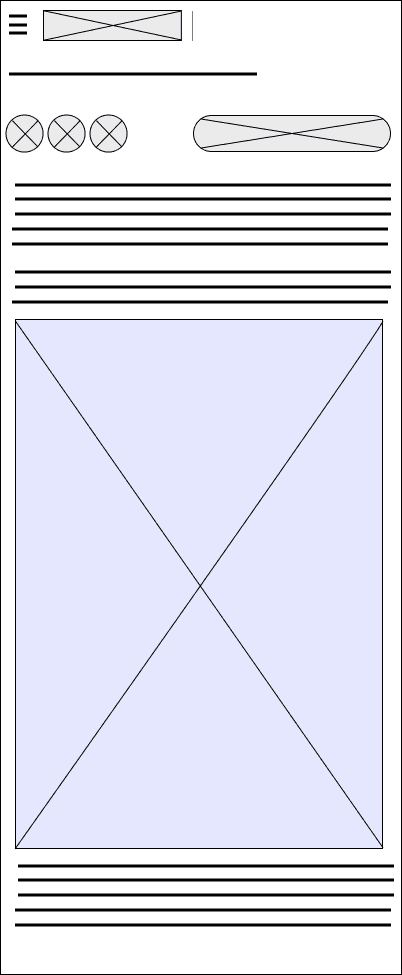
Rather than building separate mobile and desktop products, the strategy centred on a single "Dual-Path" system — one master dataset, two intelligently served experiences.
Mobile-first (68%)
Desktop-optimsed + other screens (22%)
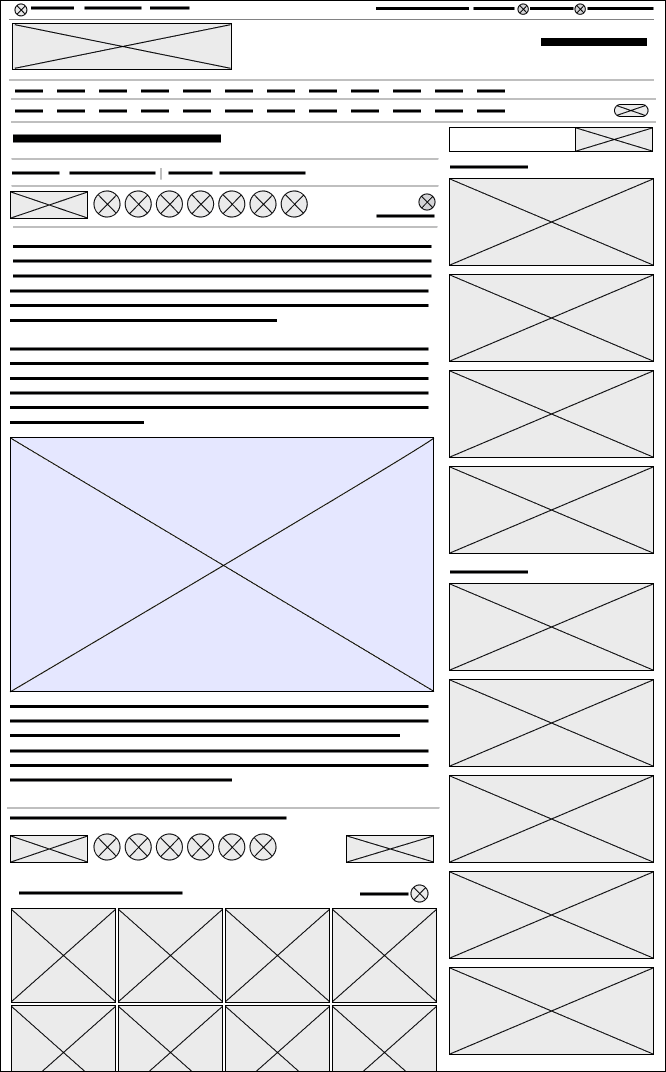
| Layout | Vertical stacking — components reflow for natural thumb-driven scrolling. | Horizontal spread — side-by-side data visualisation preserves editorial density. |
|---|---|---|
| Typography | Legibility first — minimum 12px with high contrast ratios meeting WCAG AA. | Detailed hierarchy — 12px to 18px range preserving nuanced data labelling. |
| Interactivity | Touch-friendly — swipeable card components with large tap targets. | Precision interaction — hover tooltips and click-to-expand data details. |
| Asset Format | SVG vectors — infinitely scalable, no quality loss at any density. | SVG vectors — consistent source enabling pixel-perfect desktop rendering. |
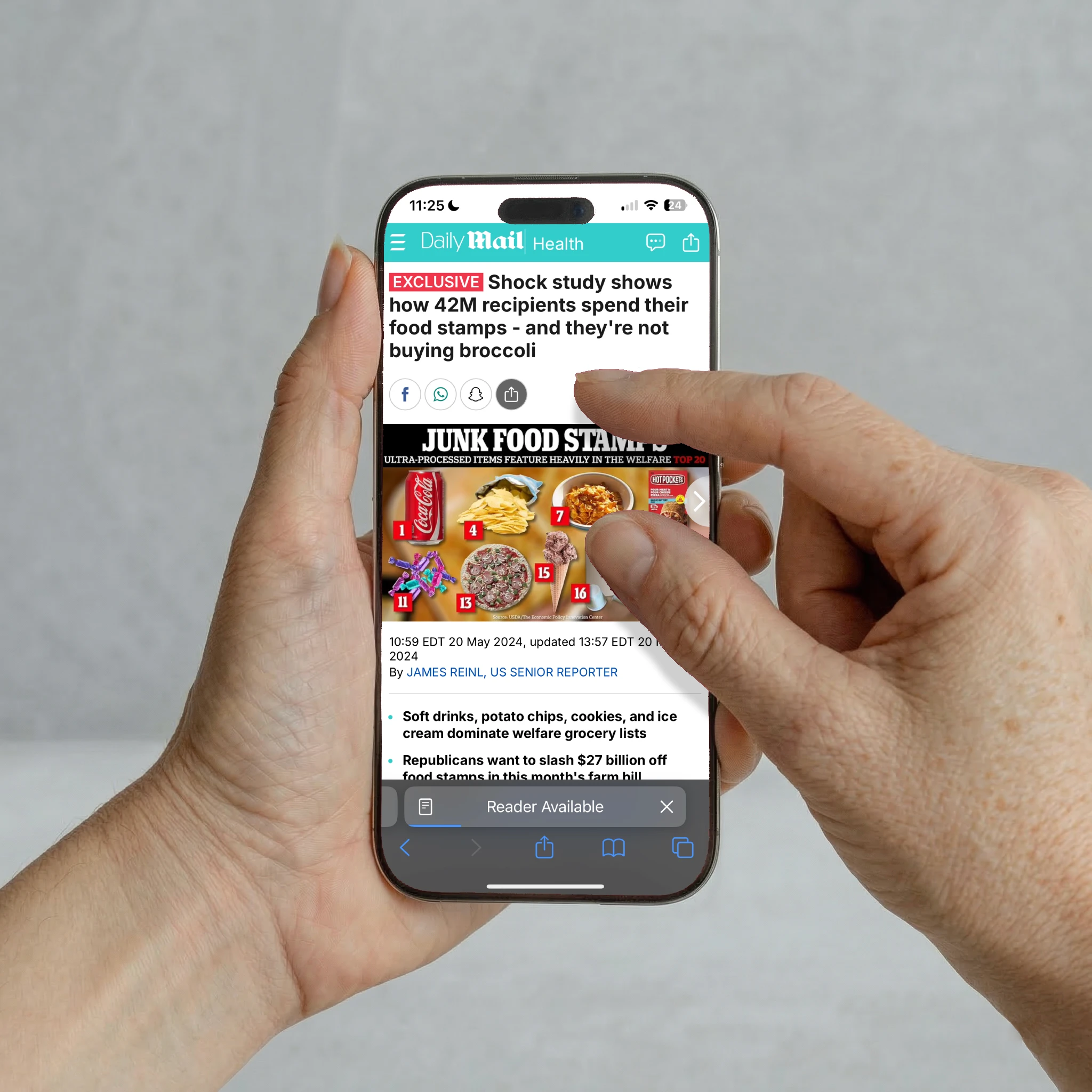
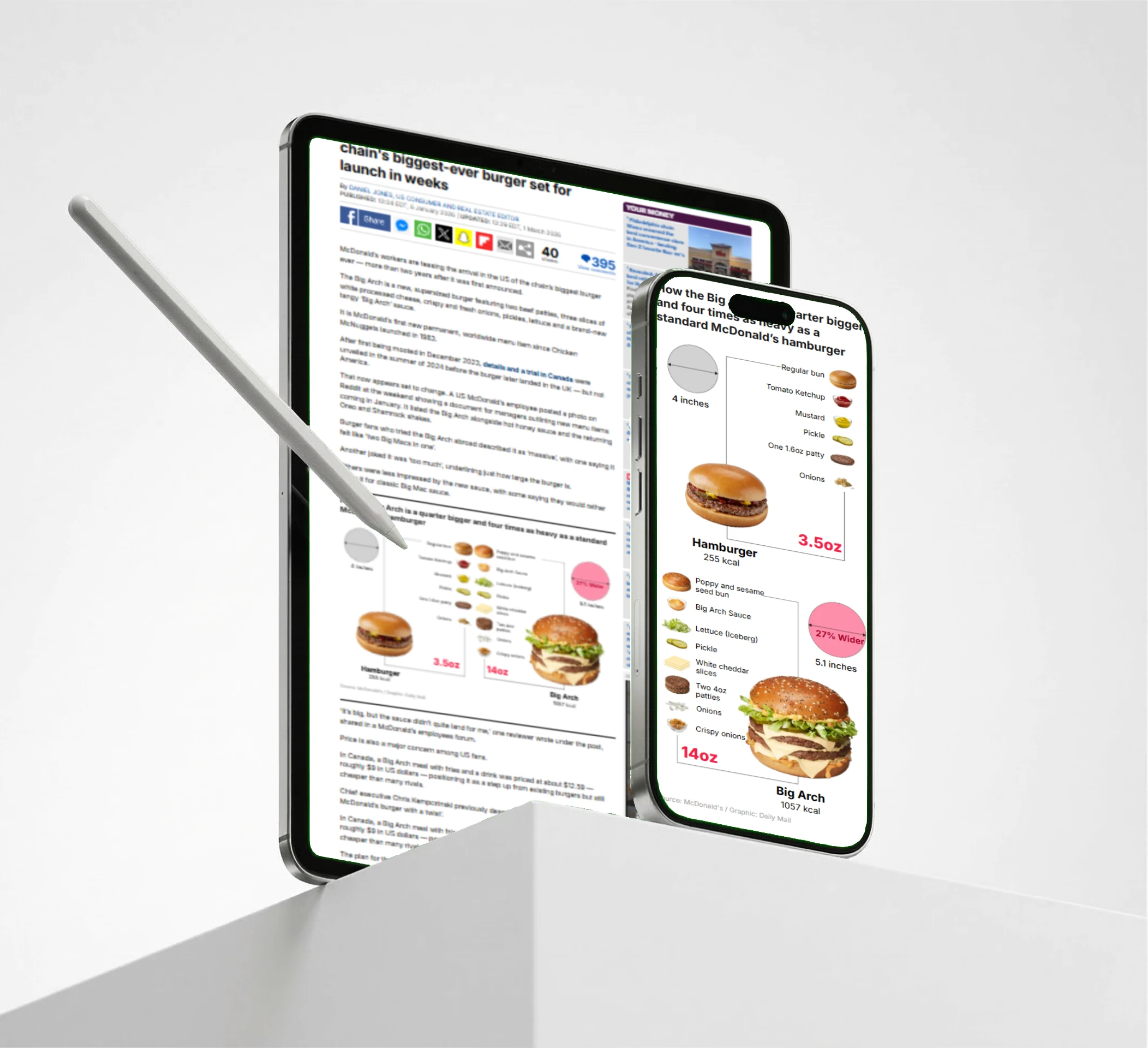
Before vs. After
04 Implementation
The Dual-Path Workflow
The solution wasn't only a redesign — it was a workflow transformation. Three interconnected technical decisions eliminated the mobile gap at the production level.
Step 01
From JPEG to SVG
Replaced rasterised image exports with vector-based SVG rendering. Graphics now scale infinitely without pixelation or quality loss — a foundational shift enabling all subsequent optimisations.
Step 02
Conditional Loading
Built a device-detection system that serves either a "Simplified Vertical" or "Detail-Rich Horizontal" version of each graphic based on viewport width — the correct experience, zero manual switching.
Step 03
ai2html Conversion
Using the ai2html script, Illustrator files were converted directly into HTML5 containers with live, selectable text that reflows dynamically based on screen width — preserving editorial fidelity in a web-native format.
Consistent Design System
Brand guidelines for cohesive graphics across all website and mobile platforms.
[ Font ]
Inter Regular
Inter Medium
Inter Semibold
Inter Bold
Inter Extra Bold
Inter Regular Italic
Inter Medium Italic
Inter Semibold Italic
Inter Bold Italic
Inter Extra Bold Italic
[ Color pallet ]
Primary
Secondary
[ Patterns ]





[ Lines ]
[ Arrows ]
05 Impact & Results
Outcomes That Measured
The redesigned workflow produced concrete, measurable improvements across engagement, accessibility, and production efficiency.
255+
Million
Monthly global users
68%
Recovered 68% of missing mobile users.
44%
More screen time
WCAA
Improved accessibility for visually impaired users.